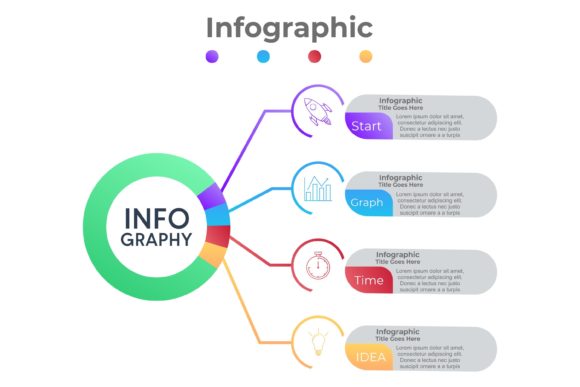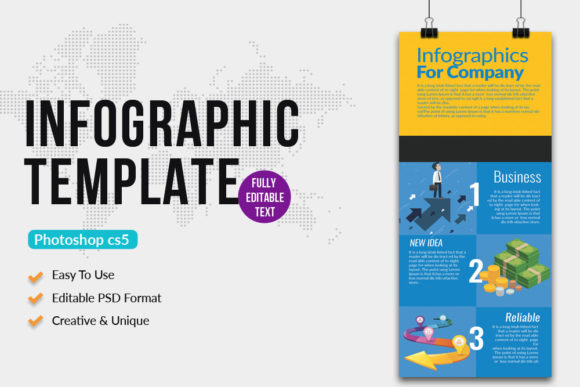
Business Procedure Infographics Template: A Practical Tool for Clear Process Communication
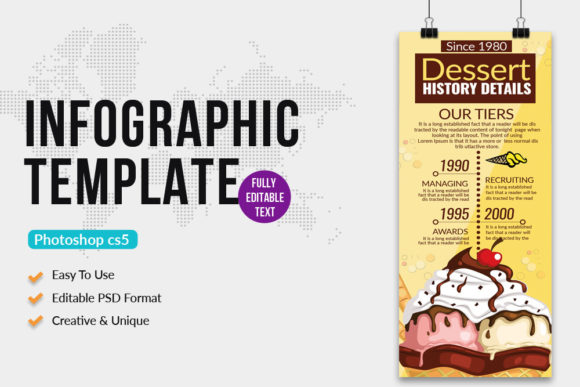
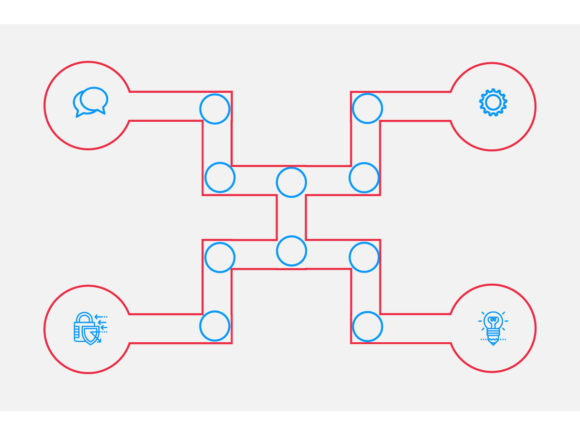
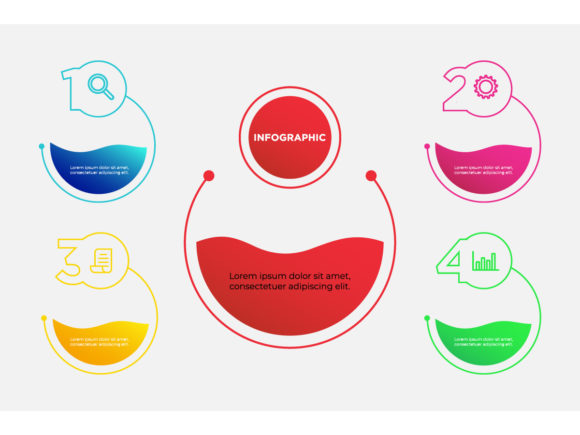
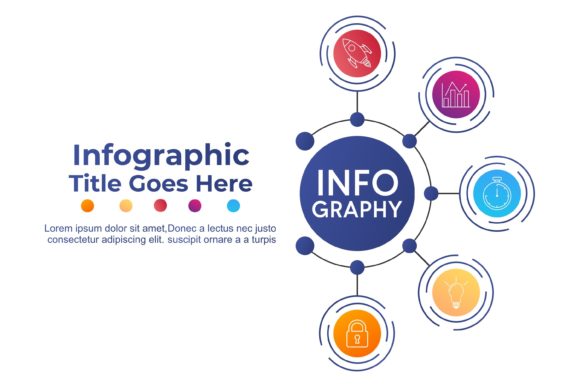
Visual communication plays a critical role in modern business operations. Whether explaining internal workflows, onboarding new team members, or presenting project timelines to stakeholders, clarity and consistency are essential. The Business Procedure Infographics Template is designed to meet these needs by offering a clean, customizable, and professional way to illustrate processes. Built in CMYK color mode with 300 DPI resolution, this template ensures high-quality output suitable for both print and digital use. With a size of 2x6 inches plus a 0.25 bleed, it's ideal for use in presentations, reports, marketing materials, and educational content.
At its core, the template is more than just a design file—it's a visual planning tool that helps users structure, communicate, and document business procedures in a visually engaging format. Whether you're a small business owner mapping out a customer onboarding flow or a project manager outlining a development lifecycle, this template supports a wide range of applications.
How the Business Procedure Infographics Template Fits Into Real Workflows
The Business Procedure Infographics Template is versatile enough to be used at various stages of a project or process. Before a project begins, it can help outline steps in a proposal or planning document, making it easier for stakeholders to grasp the overall structure. During execution, it serves as a reference point for team members, ensuring everyone understands their role and the sequence of actions. After a project wraps up, it can be used in post-mortems or documentation to visually summarize what happened and where improvements can be made.
For example, a marketing team launching a new campaign might use the template to break down the workflow from research and strategy to execution and performance analysis. This not only clarifies responsibilities but also provides a shared visual language that enhances team alignment.
Integration with Other Tools and Resources
This template works well alongside other productivity and design tools. Since it's delivered as a layered PSD file with editable text and smart object layers, it integrates smoothly with Adobe Photoshop, allowing for easy customization. Designers can insert their own images, adjust color schemes to match brand guidelines, and modify icons or layout elements without disrupting the overall structure.
For non-designers or those without access to Photoshop, the included Instruction.txt file provides clear guidance on how to make basic edits. The use of free fonts ensures accessibility and avoids licensing complications. Additionally, because the template is well-organized and labeled, it can be easily adapted for use in larger design projects, such as slide decks, infographics, or even website assets.
Practical Implementation Tips for Using the Template
- Start with a clear outline: Before jumping into the design, sketch out the key steps or stages you want to include. This helps prevent clutter and ensures a logical flow.
- Customize with intention: Use the editable layers to align the template with your brand colors and visual identity. Consistency across materials builds recognition and professionalism.
- Use smart objects for imagery: The smart object layer allows you to insert images without affecting the resolution or layout integrity. This is especially useful when showcasing team members, products, or real-world examples.
- Keep text concise: Infographics are most effective when they're easy to scan. Use short, impactful phrases rather than long paragraphs.
For those working in collaborative environments, consider exporting the final design into a shared format like PDF or PNG to ensure everyone has access to the visual summary without needing design software.
Usability and Long-Term Benefits
One of the standout features of the Business Procedure Infographics Template is its usability. Because it's built with clean layers and organized elements, it can be reused and repurposed for different projects with minimal effort. This makes it a valuable asset for teams that regularly need to present process-driven information.
From a long-term perspective, maintaining a library of standardized templates like this one helps ensure consistency across communications. Whether you're onboarding new hires, updating clients, or training partners, having a reliable visual format streamlines the process and reduces the time needed to create new materials from scratch.
Quality Control and Compatibility Considerations
The template is built to professional print standards with CMYK color mode and 300 DPI resolution, making it suitable for both digital and physical outputs. This level of detail ensures that your visuals remain sharp and accurate, whether they're being viewed on a screen or printed for a presentation.
When using the template across different platforms or with various team members, it's important to maintain version control. Save the original PSD file as a master copy and create duplicates for each use case. This prevents accidental overwrites and allows for easy updates in the future.
Real-World Use Cases Across Industries
The flexibility of the Business Procedure Infographics Template means it can be applied across a wide range of industries and use cases. Here are a few examples:
- Education: Teachers and trainers can use the template to break down complex learning paths or explain classroom procedures visually.
- Healthcare: Clinics or hospitals can illustrate patient intake processes or internal protocols to ensure staff clarity and compliance.
- Technology: Product teams can map out development cycles, user onboarding flows, or support procedures.
- Freelancing: Independent professionals can outline their service delivery process to set clear expectations with clients.
In each case, the goal is the same: to make complex processes easier to understand and follow through a structured, visual format.
Final Thoughts on Integrating the Template Into Your Workflow
Successfully integrating the Business Procedure Infographics Template into your work requires more than just downloading and editing the file. It involves understanding how visual communication supports your broader goals—whether that's improving team efficiency, enhancing client understanding, or streamlining documentation.
Start by identifying the processes that would benefit most from a visual format. Then, use the template to create a consistent visual style across your materials. Over time, you'll find that having a go-to template not only saves time but also improves the clarity and professionalism of your communications.
Once you've made the most of this template, consider sharing your experience by leaving a rating. Your feedback helps both the creator and other users understand how it can be improved or adapted for different needs.