Infographics Steps Design: A Practical Tool for Scalable Visual Communication
Understanding the Infographics Steps Design Resource
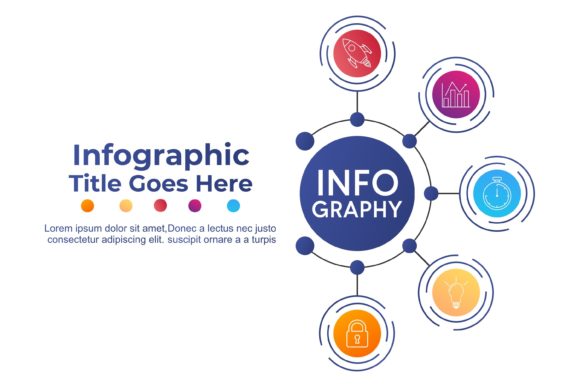
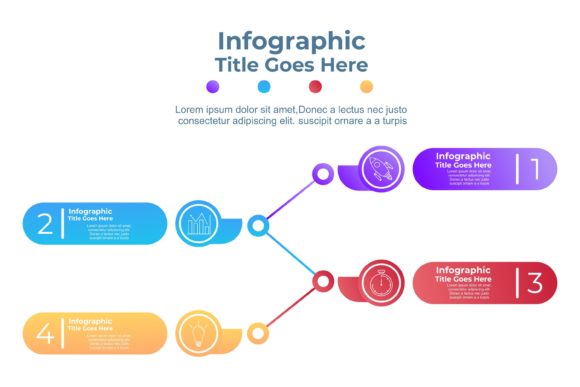
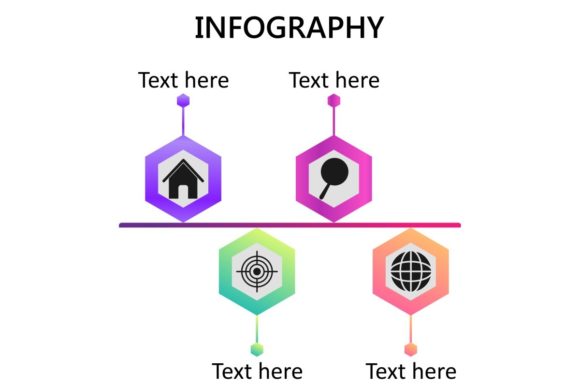
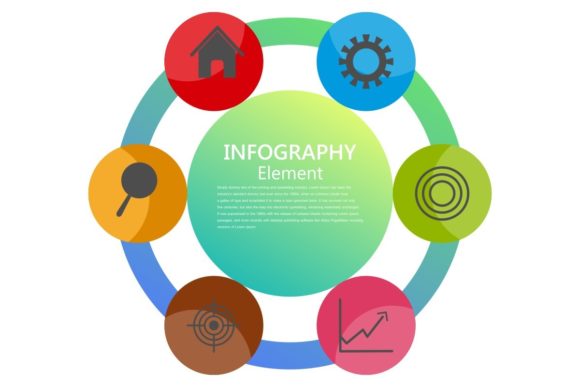
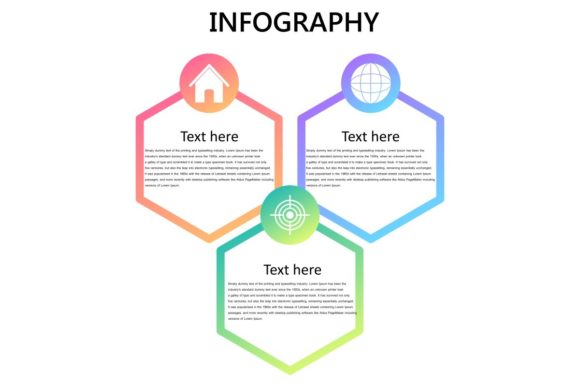
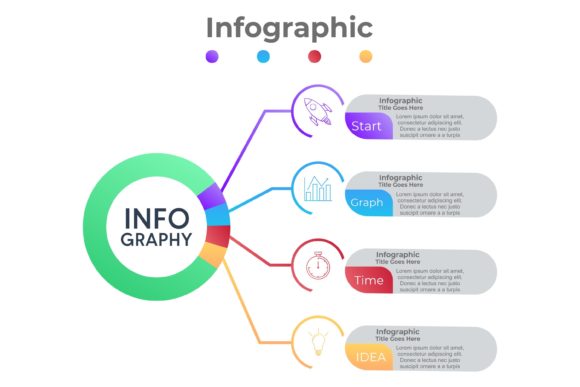
The Infographics Steps Design package is a versatile toolkit aimed at professionals who need to create clean, scalable visual content. It includes a set of 100 vector-based infographic elements designed to illustrate processes, timelines, or step-by-step explanations. These assets are delivered in multiple formats—JPG for quick preview, EPS and AI for full editing—making them compatible with a wide range of design software.
What sets this collection apart is its balance of simplicity and flexibility. Each element is built on vector layers, allowing users to resize without quality loss, recolor with ease, and reorganize based on specific project needs. This makes the resource particularly appealing to those who may not have advanced design skills but still need polished visuals for presentations, reports, websites, or marketing materials.
Key Features and Their Real-World Impact
The value of the Infographics Steps Design lies in its technical and functional characteristics. Here’s a closer look at what users can expect and how these features translate into practical benefits:
- Vector Scalability: All 100 shapes are vector-based, meaning they can be resized infinitely without pixelation. This is essential for maintaining clarity across different formats—from mobile screens to large-format print.
- Color Customization: The layered structure allows for quick color adjustments. Designers can match brand palettes or adapt visuals for different audiences without needing to redraw elements from scratch.
- Editable Layers: Each file is delivered with organized layers, making it easy to modify individual components. This level of control is especially useful when adapting visuals for different use cases or updating existing content.
- High-Resolution Output: The included JPG previews provide a quick way to assess quality and suitability before diving into the editable files.
Who Benefits Most from This Design Resource?
The Infographics Steps Design toolkit is particularly well-suited for professionals who need to communicate structured information clearly and efficiently. Here are some of the most relevant user groups:
- Marketers and Content Creators: For those building blog posts, social media graphics, or email campaigns, these infographics can simplify complex ideas and improve audience engagement.
- Presenters and Educators: Teachers, trainers, and corporate presenters often rely on visual aids to explain processes. This toolkit provides a ready-made solution that can be tailored to specific lessons or topics.
- Freelancers and Small Business Owners: Individuals who wear multiple hats may not have time to design visuals from scratch. The pre-built elements offer a fast, professional alternative.
- UI/UX Designers: When prototyping dashboards or explaining user flows, these vector assets can be integrated into wireframes or mockups with minimal effort.
Usability and Workflow Integration
One of the strongest aspects of this design set is its ease of integration into existing workflows. Whether you're using Adobe Illustrator, Inkscape, or another vector editor, the AI and EPS files open without compatibility issues. The organized layers ensure that even users with basic design knowledge can make meaningful edits.
For example, a marketing manager creating a campaign timeline can pull a pre-designed step template, adjust the colors to match the company’s branding, and add custom labels—all within a few minutes. Similarly, an educator building a course module can resize a process diagram to fit a slide without worrying about image degradation.
Quality and Consistency Across Uses
Consistency is crucial when building a visual brand or delivering professional materials. The Infographics Steps Design maintains a uniform style across all 100 elements, ensuring that visuals created from different parts of the set still feel cohesive.
The high-resolution output also ensures that whether the infographic is viewed on a smartphone or printed in a report, the lines remain sharp and the colors accurate. This reliability makes the toolkit suitable for both digital and print environments, expanding its utility across different platforms.
Practical Considerations and Limitations
While the Infographics Steps Design offers many advantages, it’s important to consider a few limitations before incorporating it into your workflow:
- Learning Curve for New Users: Those unfamiliar with vector editing software may need to invest time in learning the basics of AI or EPS file handling. However, the organized layer structure helps reduce this barrier.
- Design Style May Not Fit All Brands: The visual style is modern and minimalistic. While this works well for most professional contexts, it may not align with more traditional or highly stylized brand identities.
- Not a Complete Infographic Solution: This set focuses specifically on step-based visuals. Users looking for full infographic templates with charts, icons, and data visualizations may need to supplement with other resources.
Real-World Use Cases
Let’s look at a few practical scenarios where the Infographics Steps Design toolkit can make a tangible difference:
- Startup Pitch Deck: Founders often need to explain their product development process or customer journey. Using these step visuals can help clarify complex sequences in a visually engaging way.
- Online Course Material: Instructors creating video tutorials or downloadable guides can use the step diagrams to break down multi-stage concepts without overwhelming learners.
- Annual Reports: Companies looking to summarize operational processes or strategic plans can integrate these visuals to enhance readability and professional appearance.
Final Thoughts: Is Infographics Steps Design Worth It?
For professionals who regularly create visual content but don’t have the time or resources to build every element from scratch, the Infographics Steps Design toolkit offers a practical, high-quality solution. Its combination of scalability, customization, and ease of use makes it a valuable asset across a wide range of industries and use cases.
If your work involves explaining processes, timelines, or workflows—and you value clean, professional visuals—this resource is worth considering. It may not replace the need for custom design in every situation, but it provides a solid foundation that can save time and elevate the quality of your deliverables.