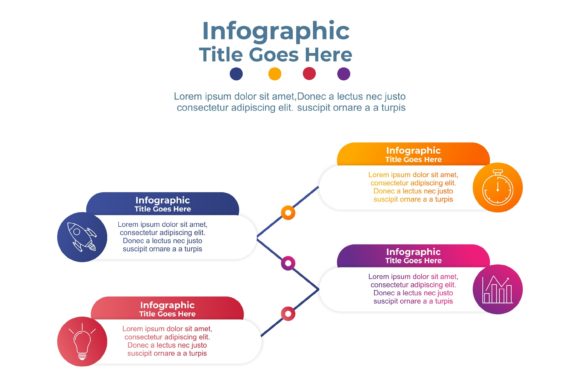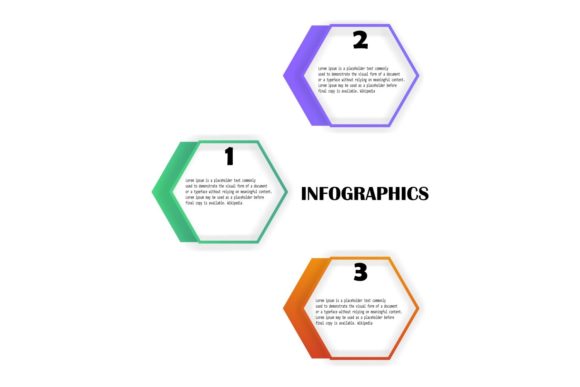
Three Steps Infographics: Visualize Ideas with Ease
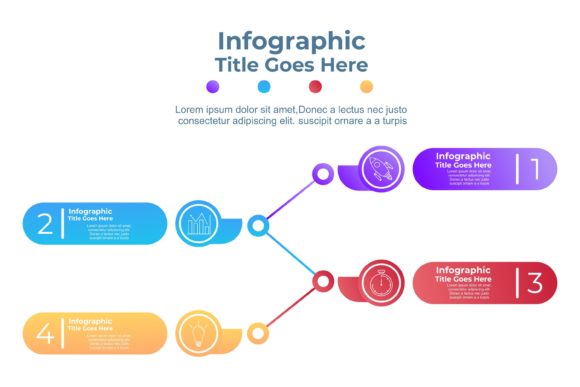
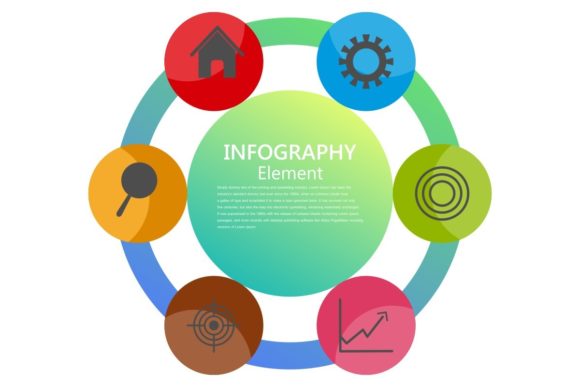
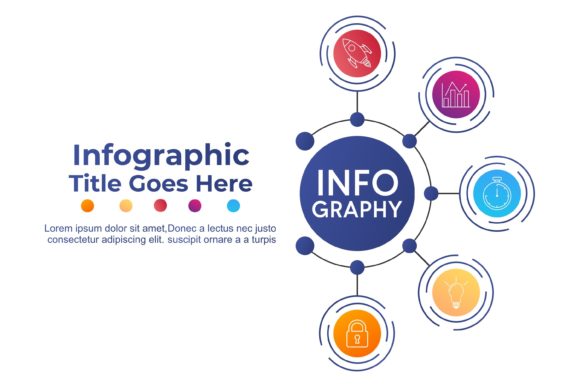
Creating compelling visuals doesn’t have to be complicated. Three Steps Infographics offers a streamlined approach to designing professional-quality graphics using a collection of 100 resizable vector shapes. Whether you're a beginner or an experienced designer, this toolkit helps simplify the process of turning data, ideas, and messages into visually engaging content.
What Makes Three Steps Infographics Stand Out?
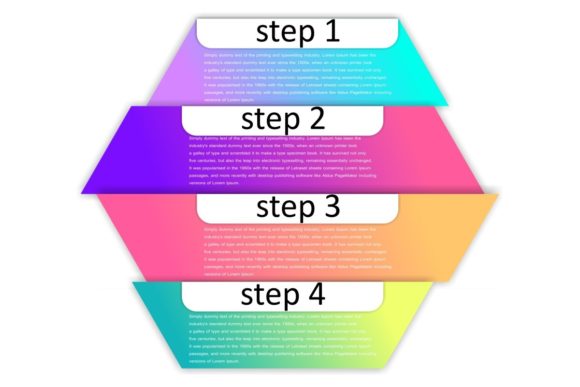
The toolkit includes 100 print-ready files in multiple formats—JPG, PNG, AI, EPS, SVG, and CMX—all with transparent backgrounds and high resolution. Each graphic is built with organized vector layers, making it easy to edit, resize, and customize without losing quality. The “Three Steps” concept refers to a simplified workflow: choose, customize, and present. This approach supports users who want to create visuals quickly without starting from scratch.
Why Different People Value It Differently
What you get out of Three Steps Infographics depends on your background and goals. For example:
- Beginners appreciate the ease of use and intuitive structure. You don’t need advanced design skills to create polished visuals.
- Bloggers and marketers find value in the ability to produce content quickly and consistently for social media, reports, and presentations.
- Educators use the toolkit to make lesson materials more engaging, especially when explaining complex processes or data.
- Small business owners benefit from the cost-effective way to create branded visuals without hiring a designer.
- Freelancers and creators enjoy the flexibility to tweak and adapt graphics to fit specific client needs or personal projects.
Practical Uses Across Skill Levels
Whether you're just starting out or have years of design experience, Three Steps Infographics adapts to your workflow. Here’s how different users might apply it:
For Beginners: A Gentle Introduction to Design
If you're new to visual communication, the pre-built templates offer a low barrier to entry. With simple drag-and-drop interfaces in common design tools like Adobe Illustrator or Canva, you can swap colors, resize elements, and layer text to create something unique. For example, a small business owner launching a new service can use a flowchart template to explain the customer journey in a way that’s easy to understand.
For Experienced Users: Speed and Precision
Design veterans might use the toolkit as a foundation for more complex projects. The vector format allows for deep customization, and the organized layers make it easy to isolate and edit specific parts of a graphic. An experienced marketer, for instance, might take a basic chart template and layer in brand-specific fonts and colors to align with a company’s visual identity.
For Educators: Teaching with Visual Clarity
Teachers and trainers can use the toolkit to break down complex ideas into digestible visuals. A biology teacher might use a step-by-step diagram to explain the stages of photosynthesis, while a coding instructor could use a flowchart to illustrate how loops work in programming. These visuals help reinforce learning and keep students engaged.
Key Features That Cater to Different Needs
Depending on your project or role, you may prioritize different aspects of the toolkit. Here’s how it aligns with common user priorities:
- Easy to Use: The three-step process makes it accessible for anyone, regardless of technical skill.
- Cost-Effective: Compared to hiring a designer or purchasing premium templates, this toolkit offers a budget-friendly solution.
- High Quality: With transparent, high-resolution files, visuals look sharp on both screen and print.
- Flexible: Available in multiple formats, it works across a variety of software platforms and design tools.
- Customizable: The ability to change colors and resize elements ensures your visuals match your brand or personal style.
Real-World Applications
Let’s look at a few specific scenarios where Three Steps Infographics can make a difference:
- A blogger might use a timeline template to show the history of a trend or product evolution.
- An entrepreneur could build a pitch deck using flowcharts and icons to explain business processes clearly.
- A social media manager can create a series of consistent visuals for weekly posts using the same color scheme and layout style.
- A hobbyist might design an infographic for a personal project, such as a fitness plan or a budget tracker.
How to Decide If It’s Right for You
Ask yourself what you need from a design tool. If you want to create visuals quickly without sacrificing quality, and you appreciate the ability to customize without starting from scratch, then Three Steps Infographics could be a good fit. However, if you need highly specialized graphics or prefer to build everything from the ground up, you might look for a more advanced or niche solution.
Final Thoughts
Three Steps Infographics is more than just a set of templates—it’s a flexible, user-friendly toolkit that supports a wide range of creators. Whether you’re designing for business, education, or personal use, the ability to change colors, resize elements, and export in multiple formats makes it a practical choice. With its combination of quality, ease of use, and adaptability, it’s a valuable resource for anyone looking to communicate more visually and effectively.