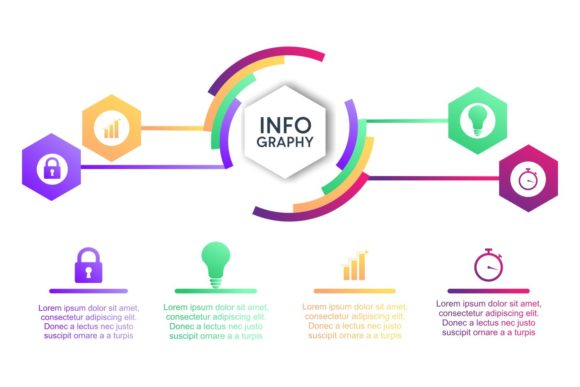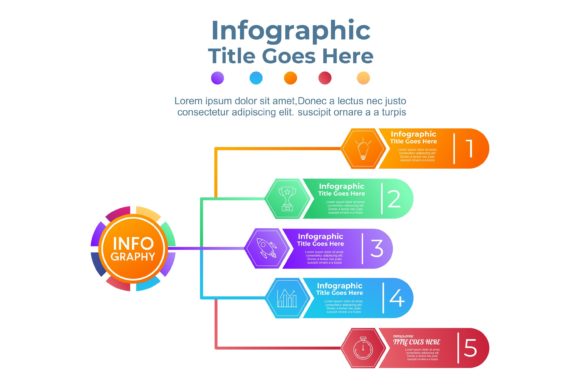
Unlocking the Power of Business Infographics: Why Vector Templates Are a Designer’s Best Friend
Infographics have become one of the most effective tools for communicating complex information in a visually engaging way. Whether you're presenting data in a business meeting, marketing a product, or teaching a concept in the classroom, business infographics help simplify the message and make it more digestible. But not all infographics are created equal — especially when it comes to design flexibility and scalability. That's where vector-based templates come into play.
Vector graphics, unlike raster images like PNGs or JPEGs, are built using mathematical formulas. This means they can be resized infinitely without losing quality — a critical feature for modern designers who need to adapt visuals for different platforms and screen sizes. In this article, we'll explore why business infographics template design using vector files is a game-changer for professionals across industries.
What Makes Vector Files Ideal for Infographic Design?
When you're designing an infographic, especially for business use, flexibility and quality are key. Here's why vector files stand out:
- Resizability Without Quality Loss: Vector graphics maintain clarity at any size, making them perfect for everything from mobile screens to large posters.
- Easy Color Customization: Vector templates allow for quick and seamless color changes, which is essential when aligning visuals with brand guidelines.
- Editability: Unlike static image formats, vector files (like EPS or AI) can be opened and edited using software such as Adobe Illustrator, giving designers full control over every element.
- High Resolution: Vectors are resolution-independent, meaning they look sharp on any display, from smartphones to 4K monitors.
The Benefits of Using Organized Vector Templates
One of the biggest challenges in infographic design is managing layers and elements efficiently. That’s where organized layers in vector files become invaluable. A well-structured template with 100+ vector shapes ensures that designers can:
- Quickly locate and edit specific elements
- Maintain consistency across multiple visuals
- Re-use components in different projects without starting from scratch
This level of organization not only saves time but also reduces the likelihood of errors during the design process. Whether you're creating a single infographic or a series of related visuals, having a clean and structured file is essential for efficiency and professionalism.
Who Can Benefit from Business Infographics Template Design?
Business infographics aren't just for graphic designers. They serve a wide range of professionals, including:
- Marketers: To visualize campaign performance, customer demographics, and market trends.
- Business Analysts: To present financial reports, KPIs, and strategic insights in a clear format.
- Educators: To break down complex topics and make learning more engaging through visual storytelling.
- Entrepreneurs: To pitch ideas to investors or communicate business plans in a compelling way.
With a well-designed vector template, these professionals can create high-quality infographics without needing advanced design skills. The ease of customization ensures that even beginners can produce polished, professional visuals.
Why High-Quality Templates Matter for Modern Businesses
In today's fast-paced digital environment, businesses need to communicate quickly and effectively. Infographics help streamline that communication, but only if they're well-designed and adaptable. Using high-resolution vector templates ensures that:
- Your visuals look professional across all platforms
- You can scale designs for print, web, or video without degradation
- Branding elements like colors and fonts remain consistent
Moreover, vector templates are often compatible with a wide range of design software, giving teams the flexibility to work with the tools they’re most comfortable with — whether that’s Adobe Illustrator, CorelDRAW, or even free vector editors.
What You Get with a Premium Business Infographics Template
A quality business infographics template design typically includes a variety of formats and features to suit different needs. Here’s what to look for in a top-tier template:
- JPG Image Files: For quick preview and use on platforms that don’t support vector formats.
- Vector EPS Files: Compatible with most vector editing software, ideal for long-term use and scalability.
- Vector AI Files: Designed for Adobe Illustrator users, offering full editability and layer control.
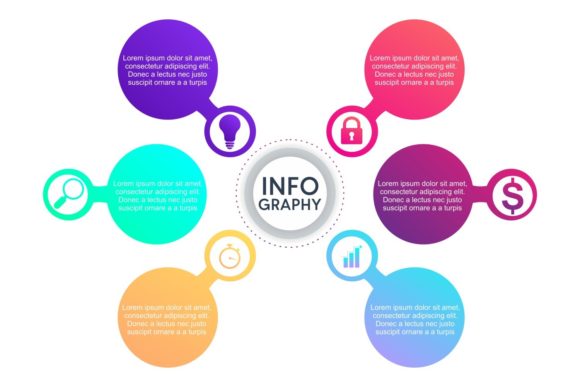
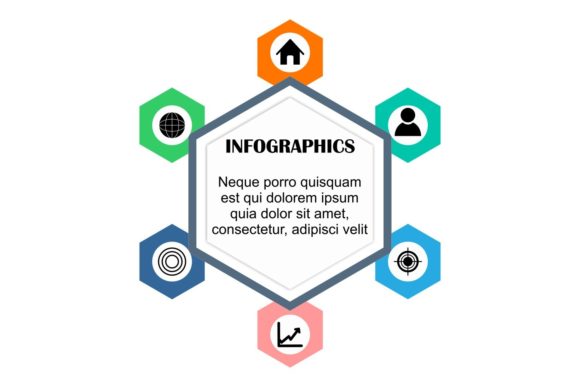
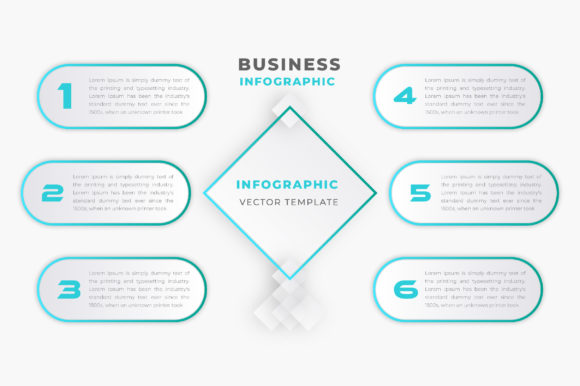
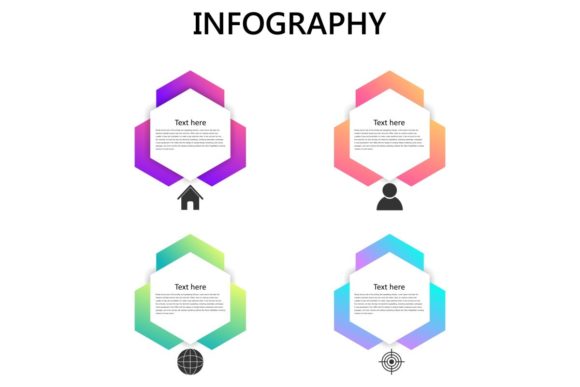
- 100 Resizable Vector Shapes: A diverse library of icons, charts, diagrams, and layout elements that can be customized to fit any project.
These components work together to provide a robust design toolkit that supports creativity while ensuring technical flexibility and professional results.
Common Misconceptions About Infographic Templates
Some people believe that using templates limits creativity or leads to generic designs. However, the opposite is true when working with high-quality, customizable vector templates. Here's why:
- Templates Provide a Strong Foundation: Rather than starting from scratch, templates give you a head start with layout, structure, and visual hierarchy already in place.
- Customization is Key: With full access to layers and color palettes, designers can tailor every element to match their unique message and brand identity.
- Efficiency Meets Creativity: Templates streamline the design process, allowing more time for creative experimentation and refinement.
By leveraging a well-designed template, you can focus on delivering your message effectively rather than getting bogged down by technical details.
How to Choose the Right Infographic Template for Your Needs
Not all infographic templates are created equal. When selecting a template for your next project, consider the following factors:
- File Compatibility: Ensure the template is available in the formats you and your team use regularly (e.g., AI, EPS, SVG).
- Scalability: Look for templates that include vector elements to ensure they can be resized without quality loss.
- Color Flexibility: Choose templates that allow easy color changes to match your brand’s visual identity.
- Layer Organization: Well-structured templates with clearly labeled layers make editing and customization much easier.
Also, consider the intended use of your infographic. Will it be used for print, digital marketing, or presentations? Different platforms may require different design considerations, so choose a template that offers the versatility you need.
Conclusion: Elevate Your Visual Communication with Vector-Based Infographics
In today’s visually driven world, the ability to convey information clearly and compellingly is more important than ever. Business infographics template design using vector files offers the perfect solution for professionals who need high-quality, scalable, and customizable visuals without the hassle of building everything from scratch.
With features like resizable vector shapes, easy color editing, and organized layers, these templates empower users to create stunning visuals that align with their brand and message. Whether you're a seasoned designer or a beginner, investing in a quality vector-based infographic template can save time, enhance creativity, and improve the overall impact of your visual communication.
So the next time you need to present data, explain a concept, or tell a story visually, consider using a vector infographic template — and unlock the full potential of your message with clarity, professionalism, and style.